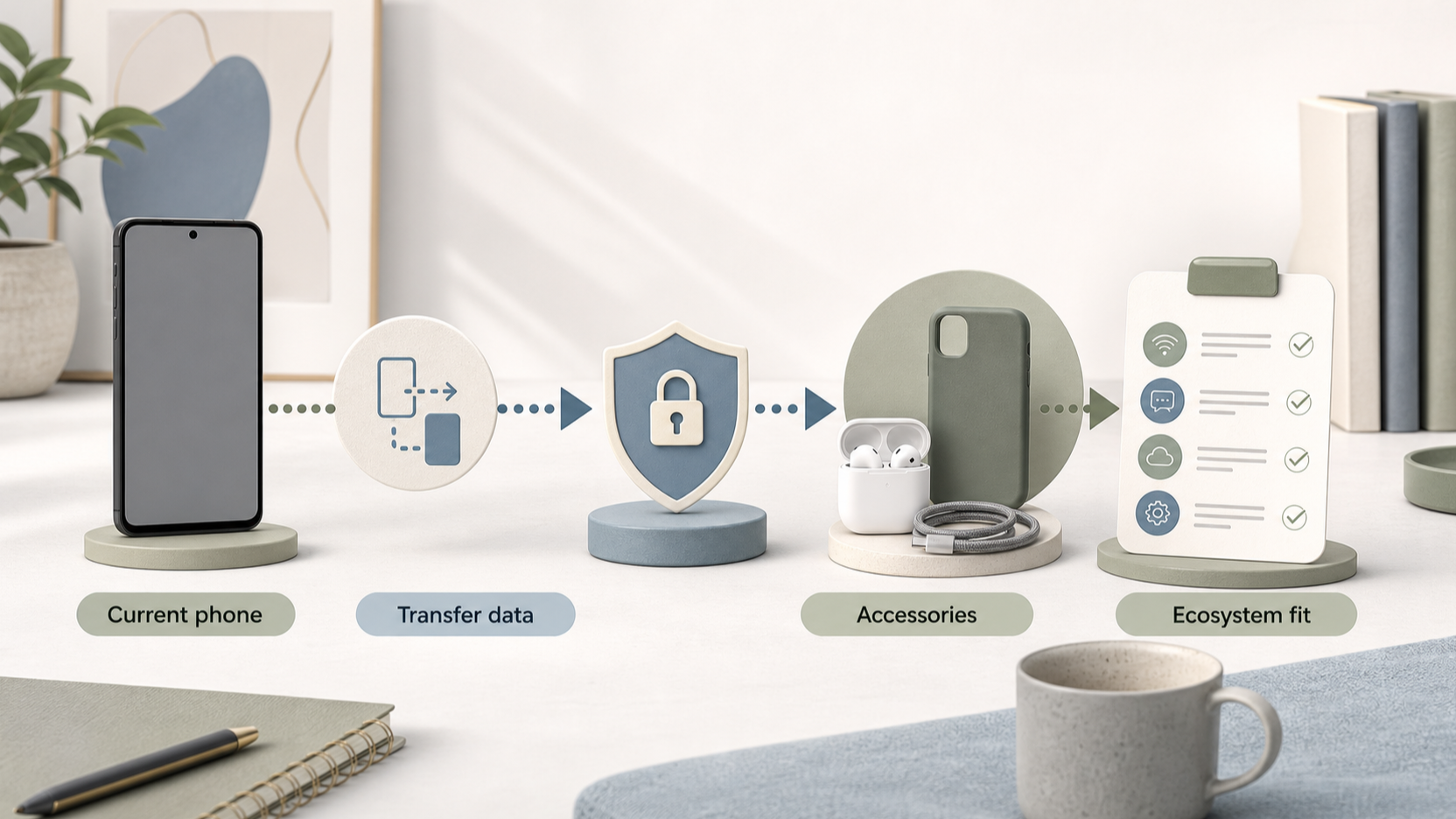
Choosing a phone is less about finding a universal winner and more about choosing a device that fits the way you use it, the services you rely on and the cost you can comfortably carry over time. Start with your own priorities, then use manufacturer information to check the range, support and after-sales options behind each shortlisted model.
Start with the job your phone needs to do
AI-generated illustration — not a retailer product photo.
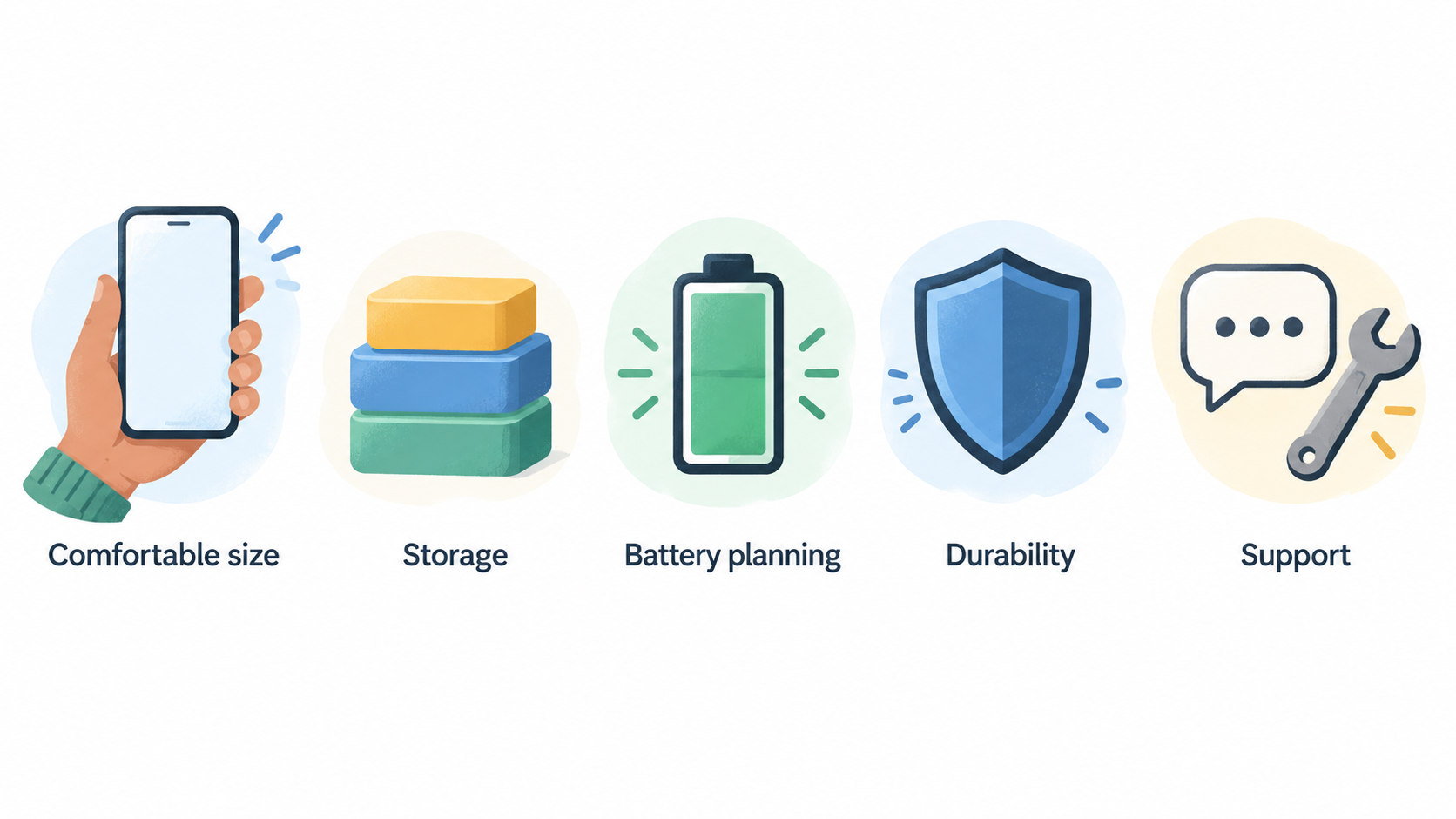
Begin by deciding what your phone must do reliably every day. A buyer who mainly calls, messages, navigates and takes occasional photos may value a comfortable size, straightforward storage and a sensible price. Someone who records a lot of video, works from a phone or travels frequently may put more weight on storage, battery planning, durability, accessories and support.
Keep the comparison grounded in things you can verify. Apple’s UK iPhone range includes current models, comparison tools, accessories, switching guidance and finance information; Samsung’s UK smartphone area separates Galaxy S, Galaxy Z and Galaxy A ranges; Motorola’s UK site presents edge and moto g ranges alongside Moto Care. These are useful starting points for building a shortlist, rather than proof that any one phone is right for everybody. Apple iPhone Samsung smartphones Motorola UK
Before you compare specifications, set a budget that includes the phone itself and decide how long you expect to keep it. That gives you a clearer basis for judging storage, support, repair and protection choices.
Turn your daily routine into a priority list
AI-generated illustration — not a retailer product photo.
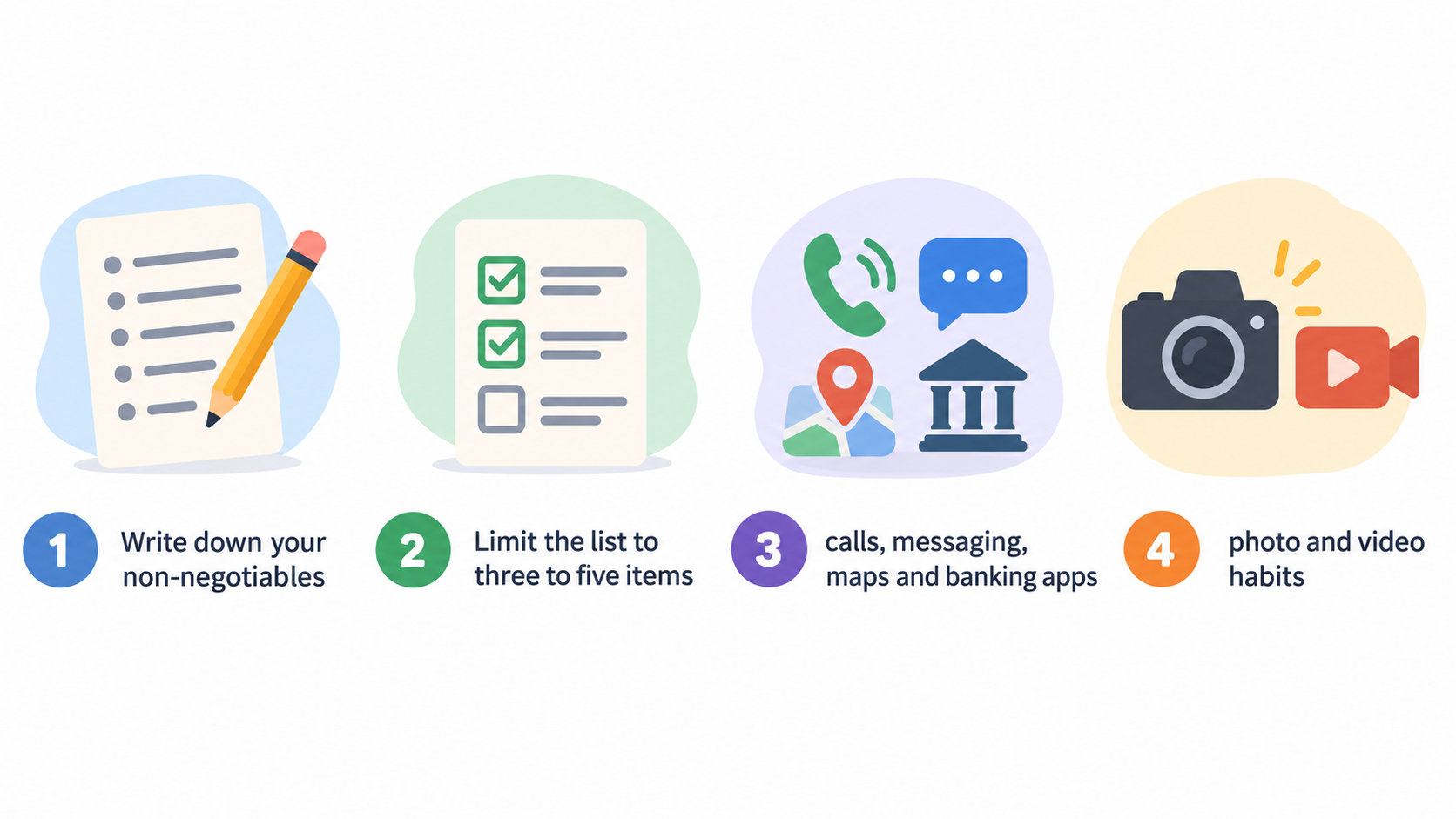
Write down your non-negotiables before opening comparison pages. Limit the list to three to five items so that a single attractive feature does not distract from a poor overall fit.
A practical list might include:
- calls, messaging, maps and banking apps that need to work smoothly;
- photo and video habits, including whether you edit or share large files;
- storage needs for apps, offline media and family photos;
- screen size, one-handed use and portability;
- charging routine, travel and access to a charger during the day;
- accessibility needs, such as display settings, hearing support or a familiar operating system;
- connected devices you intend to keep using, including headphones, watches and computers.
Then separate “must have” from “nice to have”. For example, more storage can be a must-have if you already receive storage warnings; a folding form factor may be a preference that only matters once the essentials are covered. Compare models within the same broad price band and family first. If a model misses a non-negotiable, remove it rather than trying to compensate with a feature you will use less often.
It can help to keep a simple scorecard: give each must-have a pass or fail, then note the likely ownership costs and support checks still to confirm. This approach keeps your final choice connected to your routine rather than to a headline specification alone.
Compare product families before comparing specifications
AI-generated illustration — not a retailer product photo.
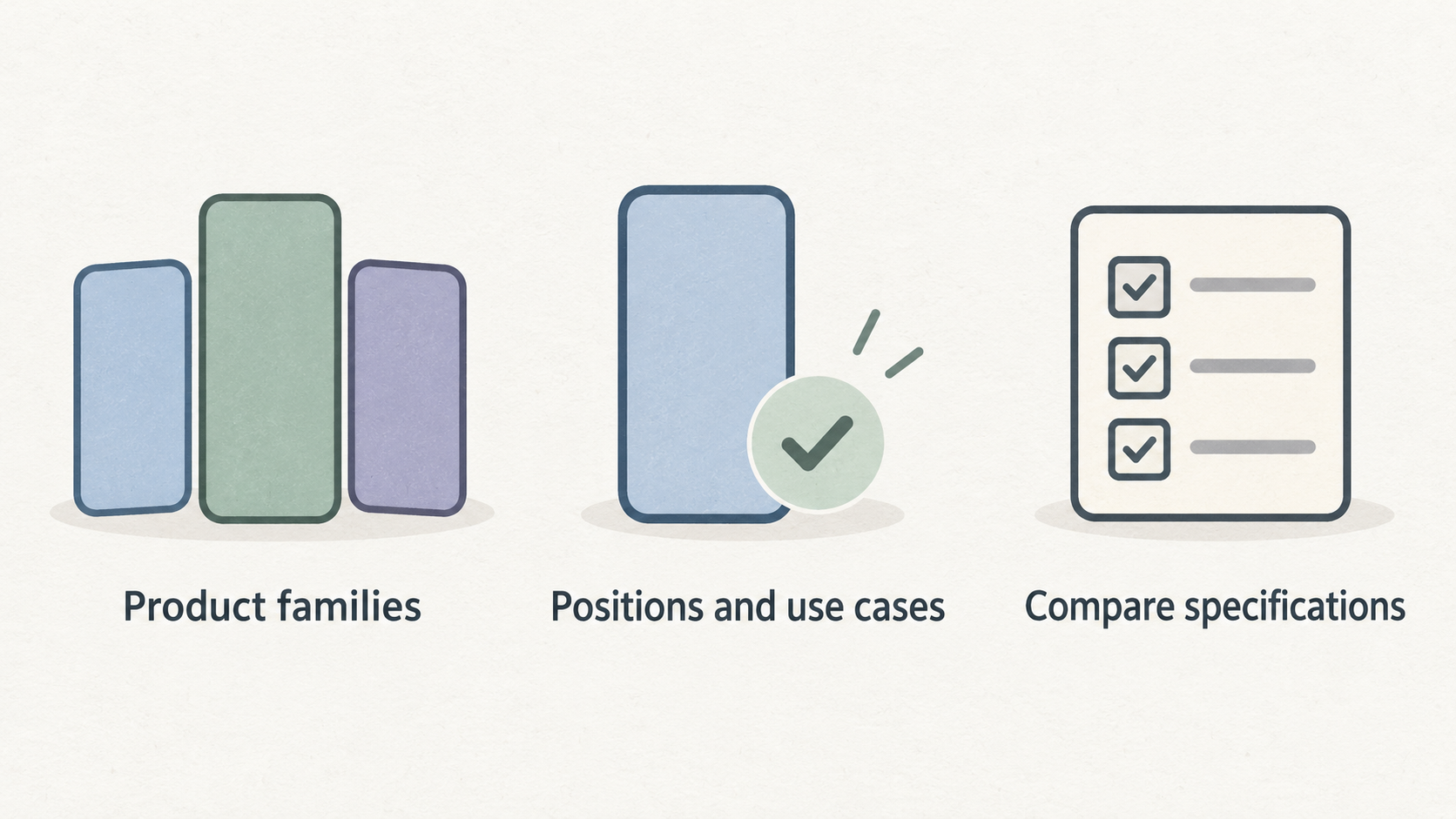
Manufacturer ranges are designed around different positions and use cases, so start with the family before comparing a long list of specifications. Samsung’s UK smartphone page groups its current phones into Galaxy S, Galaxy Z and Galaxy A, and offers a comparison route. Motorola highlights edge and moto g ranges on its UK site. Apple’s UK iPhone page provides a current iPhone range and a comparison option. Samsung smartphones Motorola UK Apple iPhone
Use those official range pages to identify the families that fit your budget, then compare the exact configurations available to buy. Storage capacity, colour, connectivity options and promotions can vary by model and seller, so do not assume that a family name tells you everything about the version in front of you.
For each family, ask:
- Does it contain a model within my realistic all-in budget?
- Does the available storage meet my expected use over the ownership period?
- Can I compare the specific model directly on the manufacturer’s UK site?
- Are the accessories or features I rely on compatible with it?
- Is the design trade-off acceptable for daily use, not just appealing in a product image?
This stage is about reducing a wide market to a manageable shortlist. Save close comparisons for two or three models that have already passed your priority list.
Assess software support and ecosystem fit
A phone’s software and ecosystem fit can shape how comfortable it is to own long after checkout. Check the manufacturer’s current UK information for operating-system updates, security support, compatible accessories, transfer tools and support channels for the exact model you are considering. Do not rely on a support duration quoted for a different model, region or year.
If you are moving to iPhone, Apple says its Move to iOS app can transfer items including contacts, messages, WhatsApp content, photos, videos, email accounts, favourite apps and call history from an Android phone. Apple also describes access to help through specialists, online chat, Apple Stores, the Apple Support app and the Tips app. Apple iPhone
That does not mean switching is automatically the best choice. It means you should make the switching work visible before buying. List the accounts, apps, passwords, payment methods, family-sharing arrangements, cloud storage and accessories that matter to you. Check which need to be transferred, set up again or replaced.
For any shortlisted phone, verify:
- the current update and security information for that model;
- whether your essential apps and authentication methods are supported;
- how your photos, messages and files will move across;
- whether your headphones, watch, computer and car setup will still suit you;
- where you can obtain help if setup or a later issue becomes difficult.
Choose the ecosystem whose practical compromises you understand and can live with, rather than assuming a switch will be effortless or that staying put is always cheapest.
Check repairability, warranty and protection before you buy
Repair and protection arrangements can change the risk of owning an otherwise suitable phone. Before buying, check the manufacturer’s UK support pages and the seller’s terms for the exact model. Look for the warranty terms, the route for booking a repair, repair-cost information where available, turnaround expectations, spare-part availability and any accidental-damage cover you are considering.
Samsung’s UK smartphone page links to support areas including troubleshooting and booking a repair, tracking a repair, warranty information and repair cost. Motorola promotes Moto Care on its UK site. Apple’s iPhone page directs buyers to support options including specialist help, online chat, Apple Store support and the Apple Support app. Samsung smartphones Motorola UK Apple iPhone
Use that information to compare routes, not to assume identical cover. Ask the seller whether it is the point of contact for faults, whether a return period applies and whether your chosen payment method adds any protection. If you are considering insurance or accidental-damage cover, read the exclusions, excess, claim limit and cancellation terms before adding it.
A lower purchase price can be less attractive if a repair route is inconvenient for your location or if the terms do not match the way you use the phone. Keep screenshots or copies of the terms that influenced your decision, as offers and support arrangements can change.
Calculate the whole-life ownership cost
The advertised handset price is only the first number. For each shortlisted phone, estimate the cost of ownership over the period you expect to keep it:
upfront price or finance payments + required accessories + protection + expected repairs or excesses − realistic trade-in or resale value
Add only costs you can explain. You may need a case, charger, screen protector, replacement cable, compatible headphones or a new accessory. Finance can make payments easier to spread, but compare the total amount payable and the agreement terms rather than focusing only on the monthly figure. Apple’s UK iPhone page advertises its Flexible Finance Account and says it is interest-free, while current availability and terms must still be checked at the point of purchase. Apple iPhone
Trade-in should be treated as an estimate, not guaranteed value. Samsung’s UK page promotes trade-in for money off an old phone, and Motorola’s page includes time-sensitive promotions. The amount offered, eligibility, device condition rules and promotional availability can change. Samsung smartphones Motorola UK
Run the same calculation for every finalist. A slightly higher initial price may be acceptable when the support, repair route and accessories suit you better; equally, a cheaper phone can be the more defensible choice if it meets your non-negotiables without creating costs elsewhere.
Use a final shortlist and checkout checklist
Keep your shortlist to two or three phones. For each one, write a short verdict: which daily priorities it meets, the support and repair points you verified, the ownership-cost assumptions you used and the compromise you are accepting. If you cannot state the compromise, you probably have not compared the options closely enough.
Before checkout, confirm:
- the exact model, storage option and colour in the basket;
- the current full price, finance total and any trade-in conditions;
- delivery, return and warranty information from the actual seller;
- software, security, transfer and accessory checks for your needs;
- repair and protection terms, including any exclusions;
- whether a promotion is genuinely useful or simply changes the payment timing.
Use manufacturer comparison pages as a final cross-check, then read the seller’s current terms. The best decision is the one you can explain against your own priorities and evidence available at purchase time, not the one that appears to win every category.
Frequently Asked Questions
How much storage should I choose for a new smartphone?
Choose storage from your current use, not a generic rule. Check how much space your existing phone uses, allow room for new photos, apps and offline files, and consider whether you regularly clear storage. If you are already close to full, prioritise a configuration with enough headroom for the time you plan to own it.
Should I prioritise a lower upfront price or longer software support?
Neither is automatically more important. Compare the lower price against the support information for the exact model, your expected ownership period and the costs of replacing the phone sooner. A cheaper option is sensible when it meets your needs and its limitations are acceptable; otherwise, a higher initial outlay may be easier to justify.
How can I compare repair options before buying a phone?
Check the UK manufacturer and seller pages for warranty terms, repair booking, costs where published, service locations, spare parts and accidental-damage cover. Samsung links to repair, warranty and repair-cost support areas; Motorola promotes Moto Care; Apple lists several support routes. Read the detailed terms for your chosen model and seller. Samsung smartphones Motorola UK Apple iPhone
Is it better to buy a phone outright, use finance or trade in my current device?
Compare total cost, not just the first payment. Buying outright is simplest for some budgets; finance may spread cost but requires careful reading of the agreement; trade-in can reduce the price but depends on current eligibility and device condition. Check live terms before committing, then select the route that keeps the overall cost and obligations comfortable for you.
Related reading
- Best smartphone brands for UK buyers: Apple, Samsung, Motorola and Fairphone compared for long-term ownership
- Motorola smartphone ownership review: current range, support routes and practical limits
- Fairphone ownership review: modular design, repair support, spare parts and practical limitations
- How to identify a genuine smartphone deal: price, support, condition, returns and total cost
Editorial information: About our editorial team · Read our editorial policy · Read our affiliate disclosure.