AI-generated illustration — not a retailer product photo.
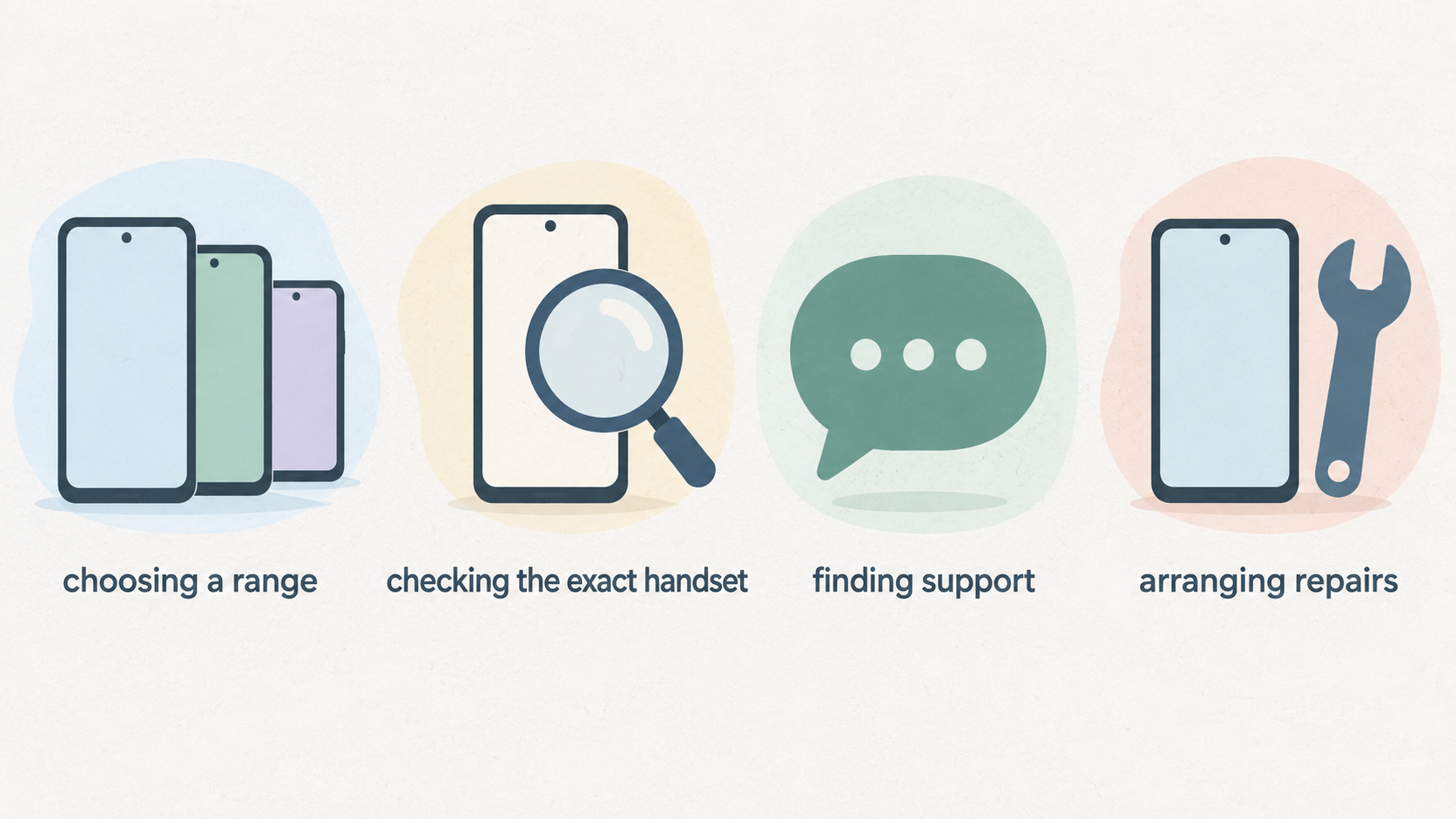
Motorola’s UK-facing information gives buyers a useful way to navigate its phone families and ownership services. It is less useful as a substitute for checking the exact handset you intend to buy. This guide focuses on the public routes Motorola provides for choosing a range, finding support and arranging repairs—not on hands-on performance testing.
Motorola Smartphones in the UK: What This Review Covers
AI-generated illustration — not a retailer product photo.
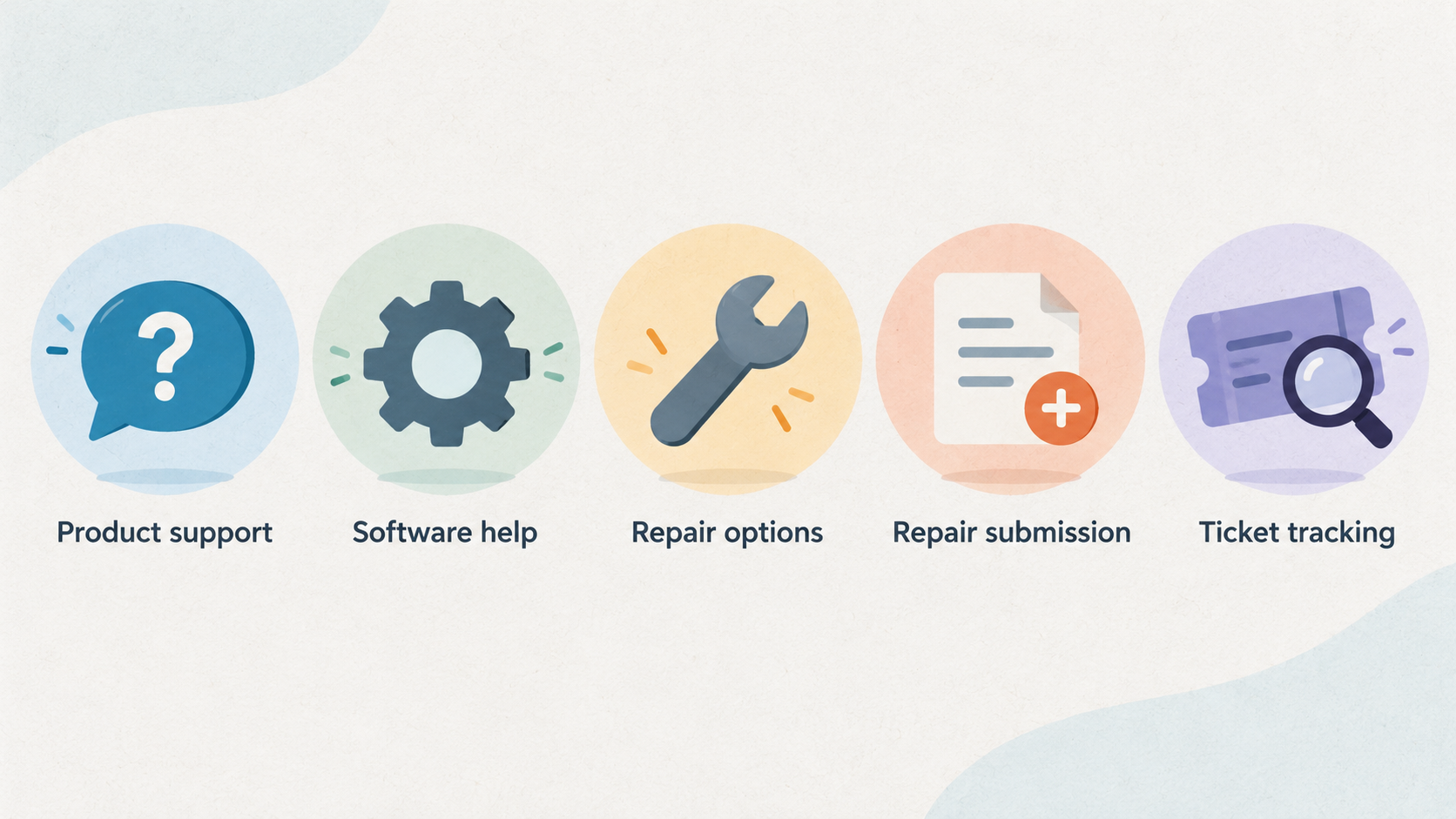
For a UK buyer, Motorola’s official storefront and support site answer two practical questions before a purchase: where a phone sits in the visible range, and where to go if it later needs software help, repair or protection. The storefront promotes Razr, edge and moto g as distinct shopping routes, while the support site provides product support, software help, repair options, repair submission and ticket tracking.
That makes the official information a sensible starting point for an ownership-focused comparison. It can help you identify the right family to investigate and understand the support path available after purchase. It does not establish which individual handset has the best camera, battery life, gaming performance or long-term value. Those conclusions need an exact-model comparison.
Use this review alongside a broader UK smartphone buying guide and check Motorola’s current UK product and support pages when you are ready to narrow the shortlist.
The Current Motorola Range: Razr, Edge and Moto G
AI-generated illustration — not a retailer product photo.
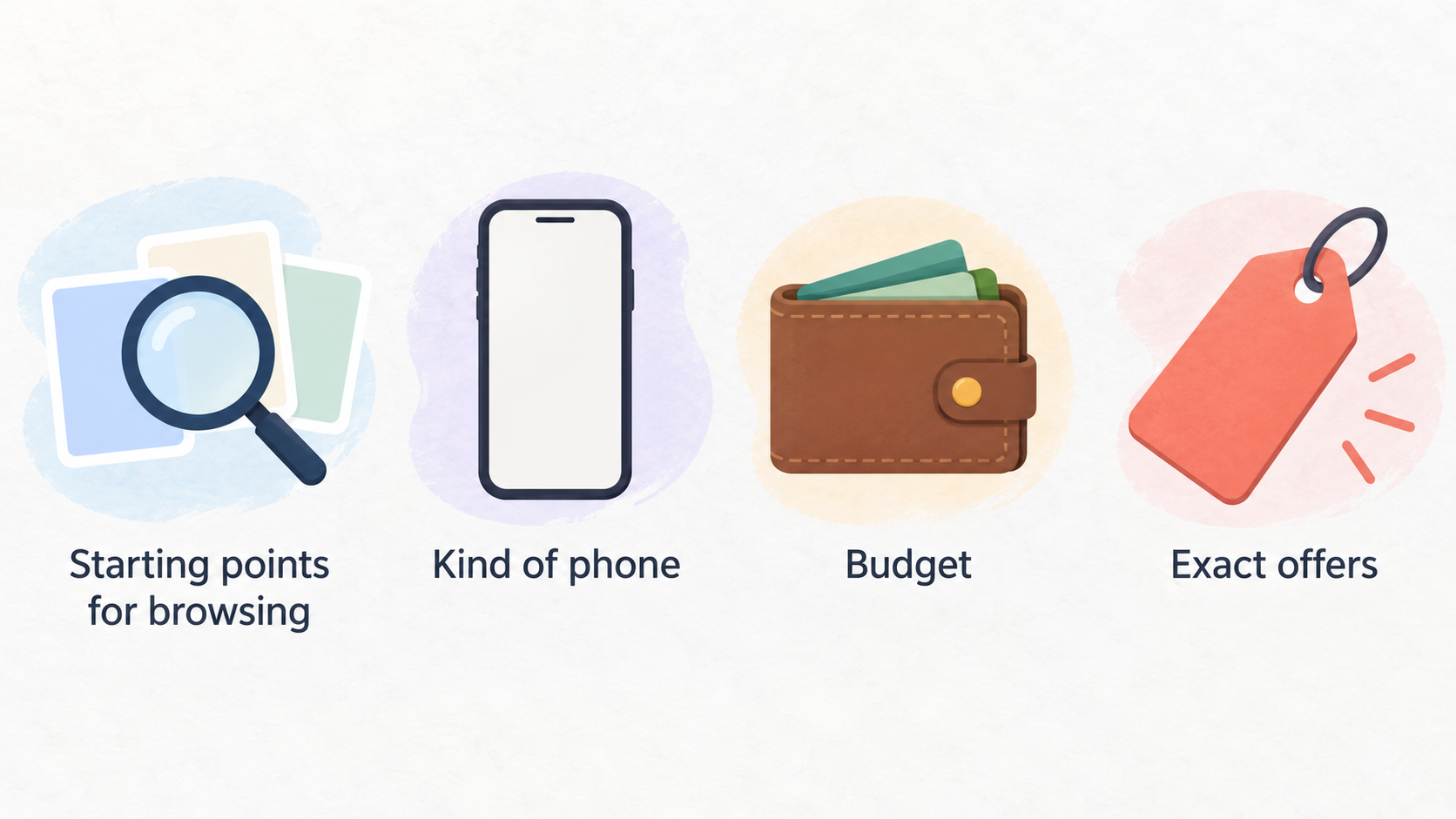
Motorola’s UK storefront currently directs shoppers towards three main smartphone families: Razr, edge and moto g. Treat them as starting points for browsing rather than a ranking of quality or value. The right route depends on the kind of phone you want to compare, your budget and the exact offers available when you buy.
Razr is the family to investigate first if a foldable form factor is central to your search. Motorola’s storefront promotes the current Razr family as part of its headline smartphone range. A buyer considering it should still compare the specific model’s price, specification, software-support information and protection terms with conventional alternatives before deciding.
edge is presented as another prominent route in the UK range. It is useful for shoppers who want to explore Motorola’s edge-branded phones and the collections shown alongside them. That label alone does not confirm a particular handset’s imaging, display, battery or update characteristics, so keep the comparison at model level.
moto g is the third visible family and is presented by Motorola as a style-and-durability-led range. It may be a natural place to begin when comparing more accessible options, but it should not be treated as a guarantee of price, features or durability for every phone carrying the name.
A foldable phone buying guide can help set criteria for Razr comparisons. For any family, open the individual product page and record the exact model, storage variant, price and applicable promotion before comparing it with another phone.
Potential Strengths for UK Buyers
One potential advantage is the clarity of the initial shopping structure. Motorola’s official UK storefront gives buyers separate routes into Razr, edge and moto g, rather than requiring them to start with a long undifferentiated list of phones. That can make it easier to form an early shortlist around a preferred format or style of device.
The storefront also uses collections and style-led messaging alongside its product families. For a buyer who treats design, colour or a coordinated accessories proposition as part of the purchase decision, that may be useful context to explore. It is still marketing context, not independent evidence that one phone will suit every buyer better than another.
There may also be purchase-context value in checking Motorola’s current offers. The UK homepage advertises promotions and a newsletter coupon for first-time sign-ups, with stated restrictions: the coupon applies to smartphone purchases and cannot be combined with other discounts or coupons. Offers can change, and eligibility may differ by handset, so read the live terms before relying on any saving in your budget.
If a deal is important to your decision, compare the final checkout price with the price of comparable alternatives rather than assuming a displayed promotion makes a model the better overall value. See our smartphone deals and discount terms guide and smartphone design priorities guide for a structured comparison.
Practical Limits and Checks Before You Buy
Motorola’s general UK storefront is not enough to make model-specific claims about performance, camera results, battery endurance, charging behaviour, display quality, update duration or resale value. Nor does a family name tell you the full specification, the price of every configuration or whether a live offer applies to your selected device.
Before buying, check the individual handset’s official product page and make a short comparison note. Confirm the precise model and storage option; the current price; what is included; the terms and end date of any promotion; and the specifications that matter to you. If software longevity is important, look for the device-specific support information rather than assuming the same policy applies across every Motorola family.
The same caution applies to ownership costs. Motorola’s support site documents repair and Moto Care routes, but availability and terms should be checked for the phone you are considering. A repair route is not by itself a statement of likely repair cost, turnaround time, eligibility or the type of damage covered.
It is also worth separating retailer conditions from manufacturer information if you are buying elsewhere. Check the seller’s returns process, delivery terms and any bundle conditions in addition to Motorola’s own information. Our phone specification comparison guide and software support explainer provide useful checklists for this stage.
Support, Repairs and Moto Care
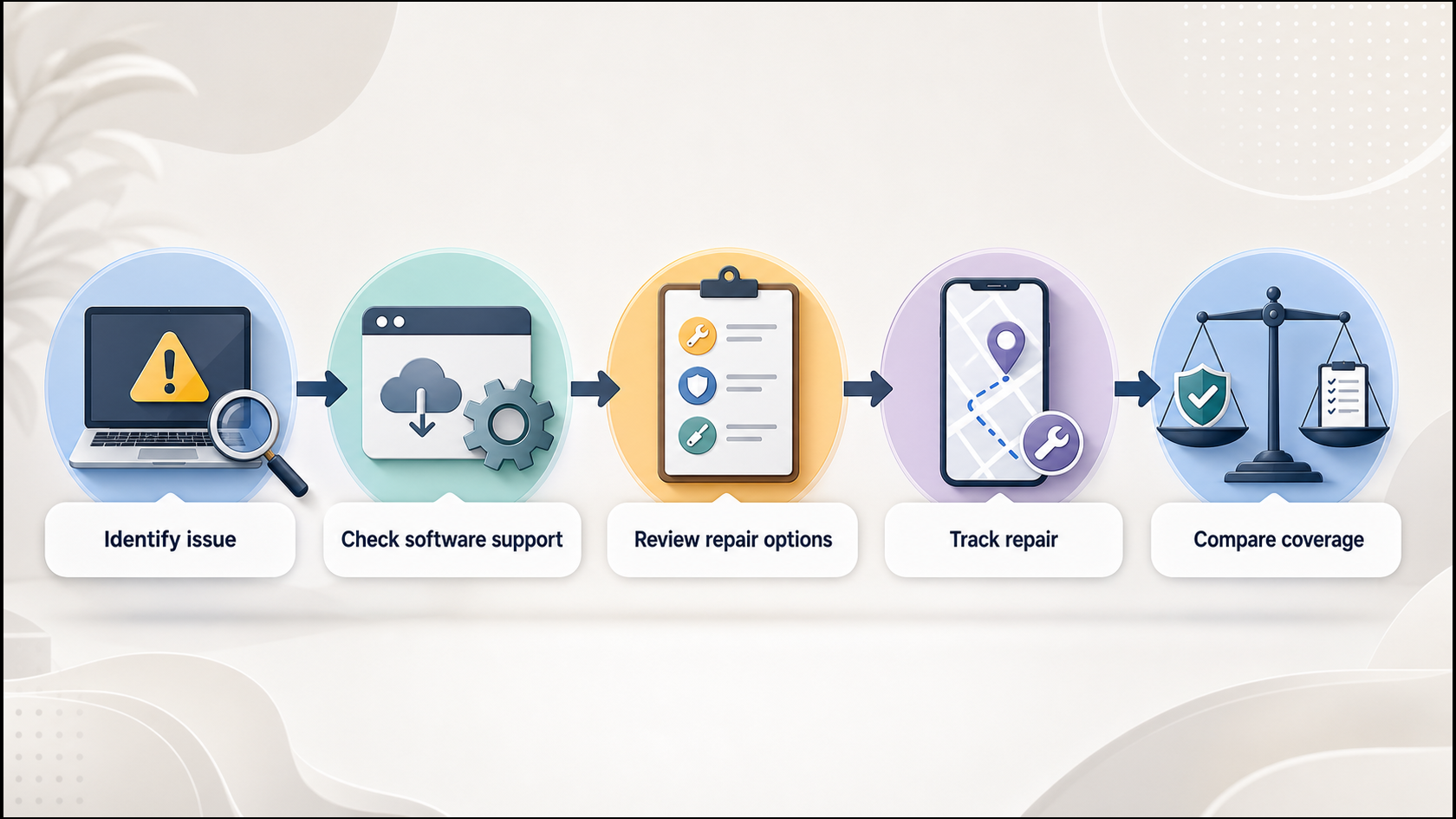
AI-generated generic editorial illustration — not a retailer product photo and does not depict the reviewed product or service. Turn the official ownership-support routes into a quick, practical pre- and post-purchase decision path.
 Motorola’s UK support site provides a documented ownership route for mobile phones, software and apps, and accessories. It includes product support, software-upgrade information and Software Fix, giving owners a clear official place to start when a device needs help.
For physical faults or damage, the same support surface points users to repair options, repair submission and ticket tracking. In practice, the sensible sequence is to identify the device and issue, review the available support or repair guidance, submit a repair request if appropriate, and use the ticket route to follow its progress. Keep your device details and any repair reference available when contacting support.
Moto Care is also presented as a protection option. Motorola describes Moto Care plans as including extended service, accidental-damage protection and low deductibles. The useful comparison point is not simply whether Moto Care exists, but whether a plan is offered for your exact handset and what its live terms, exclusions, length and cost say.
This is valuable pre-purchase information as well as post-purchase guidance. A buyer comparing brands can include the availability of official support, repair submission and additional protection in the ownership calculation. For a wider framework, read our phone repair options guide and extended warranty and device protection guide.
Who Motorola May Suit and How to Shortlist a Model
Motorola may suit UK buyers who want a straightforward way to begin browsing between a foldable-oriented Razr route, the edge family and the moto g family, then assess an exact phone on its own merits. The official storefront also makes it relatively easy to see that support, repair and Moto Care information should form part of the decision rather than being an afterthought.
Start with the family that matches the kind of device you want to investigate. If foldability is a key requirement, begin with Razr; if you want to explore edge-branded devices, use the edge route; and if you are comparing moto g phones, begin there. Then reduce the choice to named models and compare like for like.
For each finalist, check the official specification and support information, the live price, promotional eligibility, repair arrangements and any Moto Care plan available for that handset. Compare those findings against your priorities and at least one alternative device. This approach avoids turning range-level marketing into an unsupported verdict about a particular model.
Compare a Motorola model with your shortlist
For further context, see our best smartphones in the UK and Android phone comparison guide.
Frequently Asked Questions
Which Motorola phone range should I look at first: Razr, edge or moto g?
Begin with the family that matches the type of phone you want to explore. Motorola’s UK storefront presents Razr, edge and moto g as separate routes. Razr is the relevant place to start for a foldable search; edge and moto g are separate family routes to investigate for their individual models. Do not treat the family label as a performance ranking. Once you have found a candidate, compare its exact specifications, price, support information and offer terms.
Where can I get official Motorola support or arrange a repair in the UK?
Motorola’s UK online support site provides product support, software help, repair options, repair submission and ticket tracking. Start there with the device and issue details, review the route offered for your situation and retain any repair or ticket reference. Check the live terms for your specific device, because the support page alone does not establish repair cost, eligibility or turnaround time.
Does Motorola offer device protection in the UK?
Motorola’s UK support site lists Moto Care plans and describes them as including extended service, accidental-damage protection and low deductibles. Whether a plan is available, suitable and worthwhile depends on the exact handset and the current plan terms. Read the details for your chosen model, including coverage, exclusions, duration and cost, before treating Moto Care as part of the purchase value.
How can I check software support and specifications for a particular Motorola model?
Use the individual model’s official product information for its specifications, and Motorola’s UK support site for software-help routes, including software-upgrade information and Software Fix. Keep the two checks separate: a general family page can orient your search, but it does not confirm the specifications or software-support position of every model in that family. Verify the exact handset and storage variant before you buy.
Sources
Related reading
- Best smartphone brands for UK buyers: Apple, Samsung, Motorola and Fairphone compared for long-term ownership
- Fairphone ownership review: modular design, repair support, spare parts and practical limitations
- How to choose a smartphone for your needs: priorities, support, repairability and ownership cost
- How software support and repair options shape a smartphone's useful life
Editorial information: About our editorial team · Read our editorial policy · Read our affiliate disclosure.