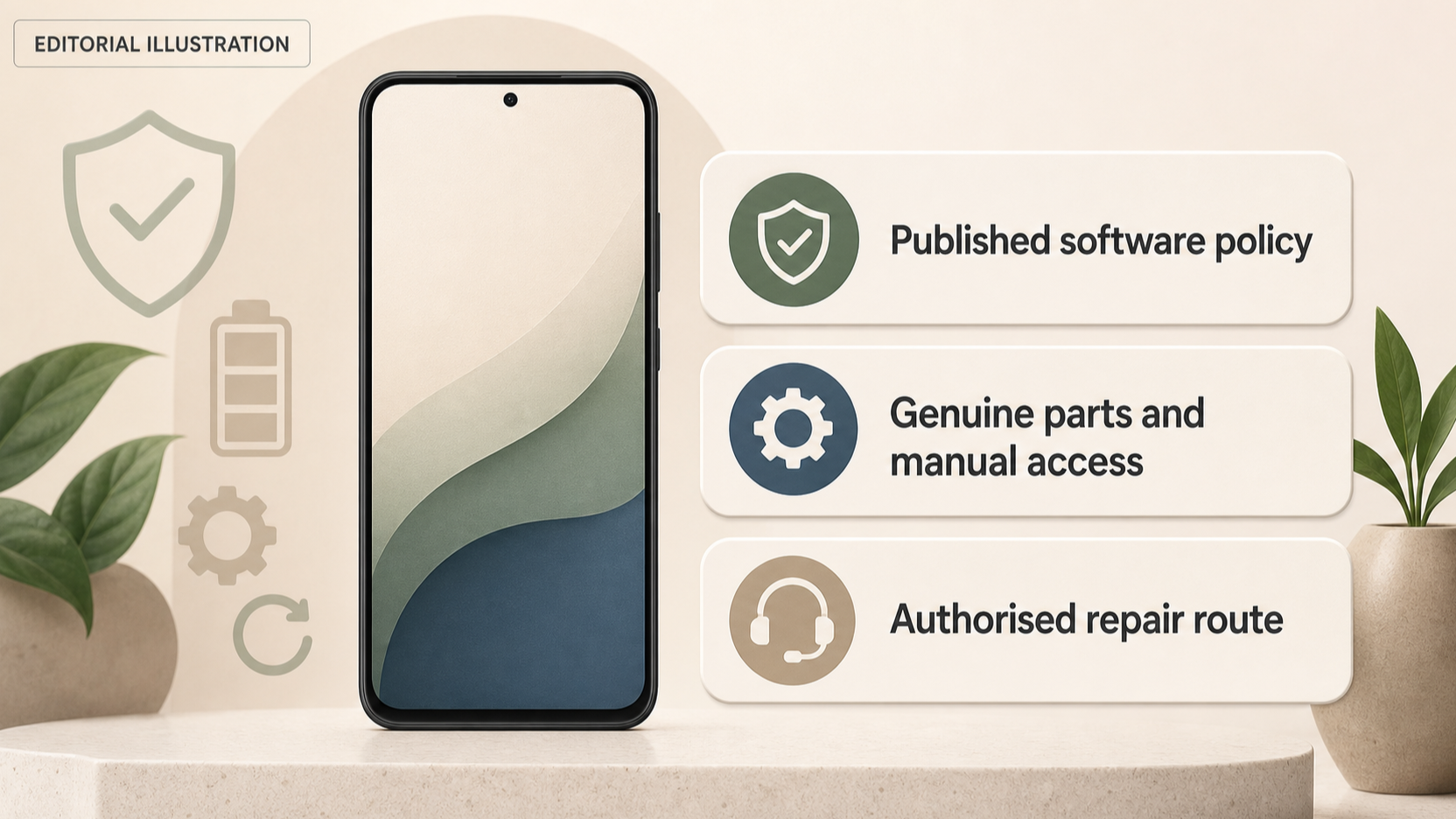
A smartphone can remain a good purchase long after its launch, but only if you can keep using and maintaining it. The most useful comparison is therefore not simply price or headline specification. It is the ownership path for the exact model: the published software-support timeline, the repair routes available in the UK, and whether genuine parts, tools and guidance can be accessed when something wears out or breaks.
This guide helps you check those factors before you buy. It does not assume that self-repair suits everyone, or that a long support promise makes every repair straightforward. Instead, it focuses on the documented options that can make a phone easier to keep in service.
What determines a smartphone’s useful life?
AI-generated illustration — not a retailer product photo.
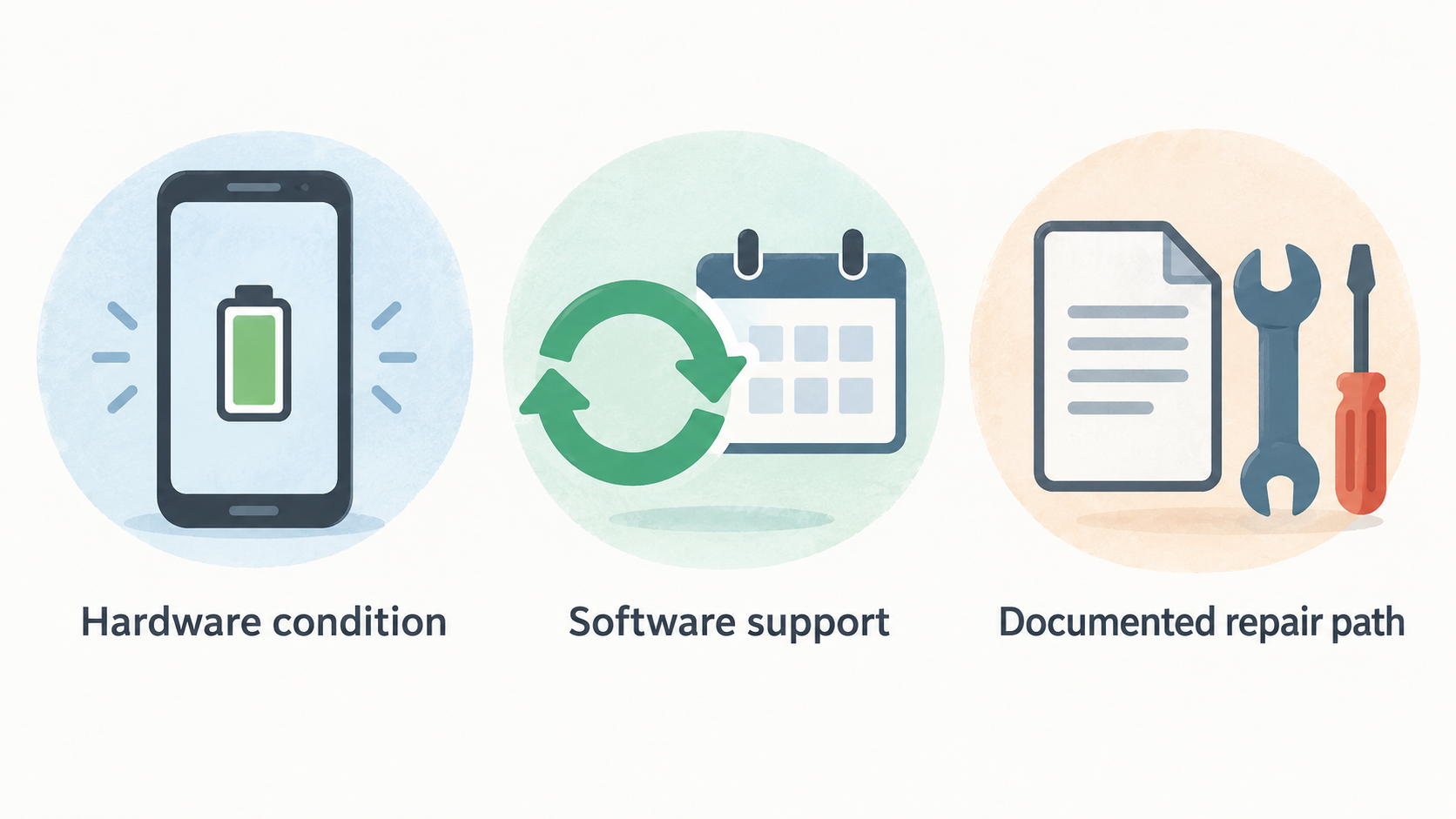
A phone’s useful life is the period in which it still works for your needs at an acceptable cost and level of convenience. Hardware condition matters, but the ownership experience is also shaped by the support and repair options available after purchase.
Start by separating three questions. First, how long is the manufacturer prepared to support the software for that exact phone? Second, if a component such as a display, battery or charging port needs attention, is there a documented repair path? Third, is that path realistic for you: an authorised service route, a self-repair programme, or neither?
These questions matter because they reduce uncertainty. A buyer planning to keep a phone for several years may value a clear support policy and local repair route more than a buyer who expects to replace it sooner. Someone comfortable following technical instructions may also see value in access to genuine parts and repair manuals, while another owner may prefer a manufacturer-supported repair submission.
Use this framework alongside a broader [smartphone buying guide] and a [phone ownership cost guide]. The aim is not to predict the precise lifespan of any model. It is to choose a phone with support arrangements that fit your planned ownership period and your confidence with repairs.
Read software support policies as an ownership timeline
AI-generated illustration — not a retailer product photo.
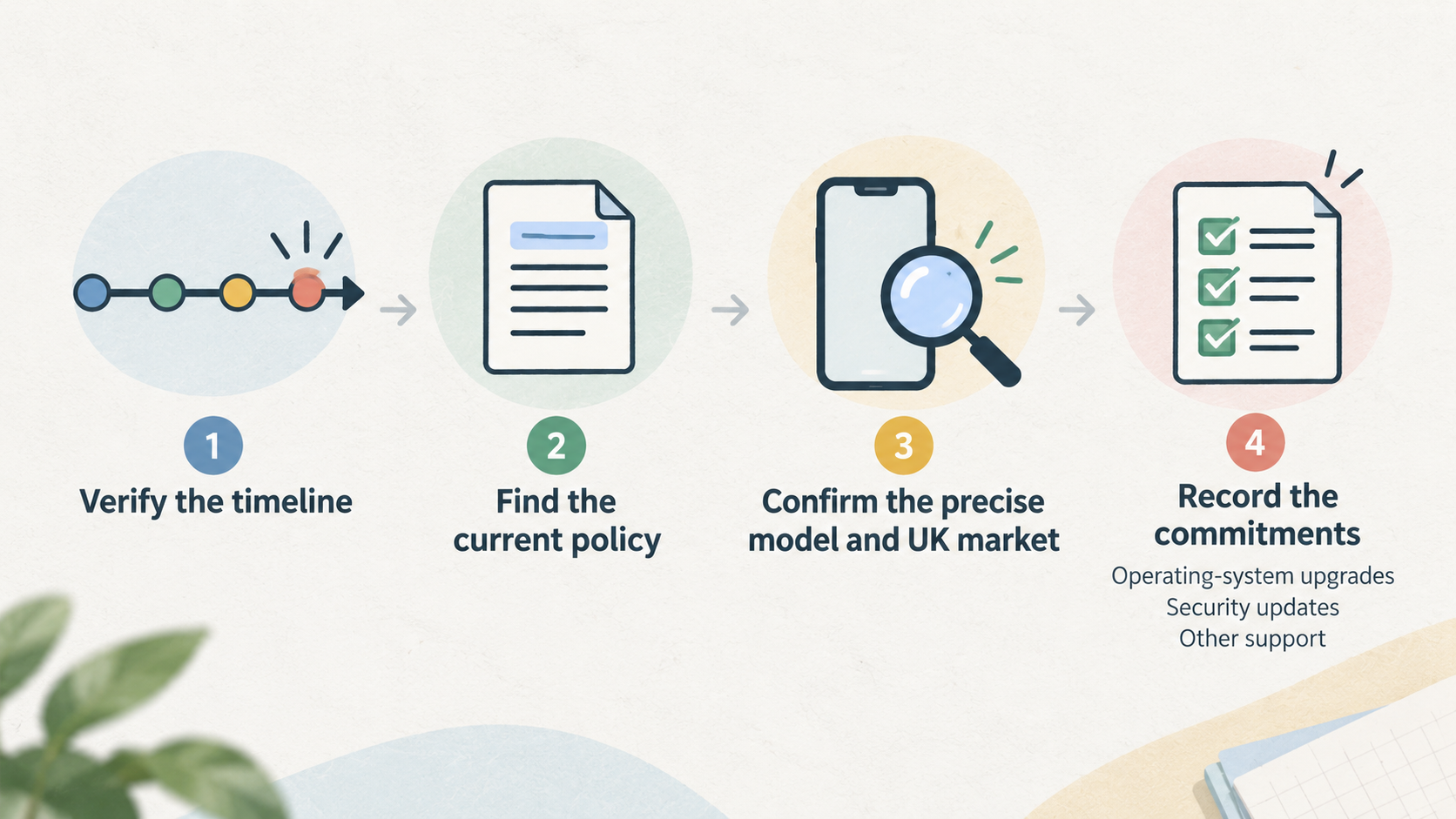
Treat a software-support policy as a timeline to verify, not a marketing shortcut. Before buying, find the manufacturer’s current policy and confirm that it applies to the precise model, storage variant where relevant, and UK market you are considering.
Record what the policy actually says. It may distinguish between operating-system upgrades, security updates and other support. Those are different commitments, so avoid assuming that one automatically means the others. Check the stated start point and end point, then compare that period with how long you expect to own the phone.
It is also worth checking whether the policy has conditions or links to device-specific pages. A brand-level statement can be useful context, but the model page or official support documentation is the stronger buying reference. Save a copy of the relevant page or note its publication date before you commit to a long ownership plan.
Software policy is only one part of the decision. A phone may still need a screen, battery or charging-port repair during the period you intend to keep it. Pair the software check with the manufacturer’s repair information and warranty terms, then decide whether the combined route feels workable for you.
For more detail on interpreting different kinds of updates, see an [Android version update guide].
Genuine parts and repair manuals can preserve repairability
AI-generated illustration — not a retailer product photo.
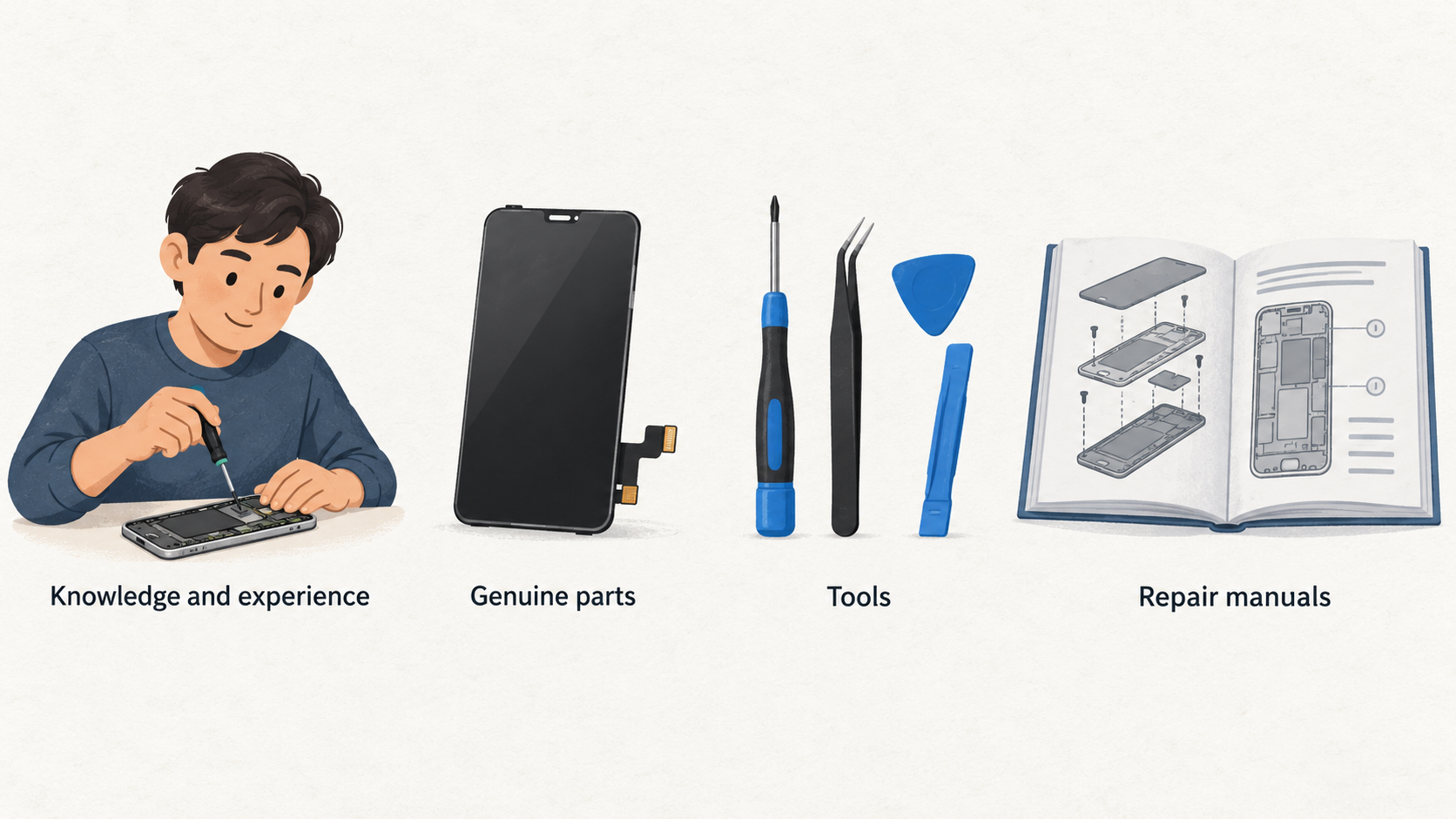
Official self-service repair programmes can give experienced owners a documented route for certain out-of-warranty work. Apple’s UK Self Service Repair information says that the programme is intended for people with the knowledge and experience to repair electronic devices. It provides access to genuine parts, tools and repair manuals for a range of out-of-warranty repairs, including work such as iPhone display replacement. Apple Self Service Repair
That combination matters. A repair manual lets you identify the steps, parts, tools and materials required for the particular product and repair type before you begin. Apple states that its manual ID is needed to purchase genuine parts and tools through its programme, so the documented process is tied to the relevant model and repair rather than being a generic invitation to open any device. Apple Self Service Repair
For a capable owner, this can make repairability more practical: you can assess the job in advance, obtain the specified components and use the appropriate tools. It does not make self-repair the default answer for every problem. Complex devices, unfamiliar procedures and the consequences of a poor repair can make an authorised service route the more suitable choice.
Before relying on any programme, read the manual for the exact model and the repair you expect might be needed. You can then compare that route with a [phone screen repair guide] and a [battery replacement guide] before deciding whether it matches your experience.
Self-repair programmes have model and warranty limits
A self-repair programme should be checked model by model. Samsung’s UK Self-Repair page says that customers can buy original spare parts for products including Galaxy smartphones, tablets and laptops, while some products also have repair instructions and repair kits. It also offers product-manual and repair-guide access by model code or product category, and video guidance for selected Galaxy smartphone and laptop repairs. Samsung UK Self-Repair
This is useful evidence of a route, not a guarantee that every repair is available for every device. Check the exact product in the programme, the part you may need, and whether the associated guide or kit is available. The presence of one tutorial or component should not be taken to mean that every part or repair procedure is covered.
Warranty is another boundary. Samsung states that damage caused by an attempted repair by anyone other than a Samsung Authorised Service Centre will not be covered by the warranty. Its page also frames self-repair around damage outside warranty conditions, such as an expired warranty period or damage not covered by warranty. Samsung UK Self-Repair
Read the current terms before you act, especially if the phone is still within its warranty period. If preserving manufacturer warranty handling is important to you, compare the self-repair route with the authorised option described in the [phone warranty guide].
Authorised repair routes matter when self-repair is unsuitable
Self-repair is not the only way to keep a phone in service. For buyers who do not want to perform technical work, an authorised repair route can be the more relevant ownership benefit. Motorola’s UK support site directs customers to repair options, lets them submit a device for repair and provides ticket tracking. Motorola UK Support
A submission and tracking route is different from a self-repair programme. It means the manufacturer provides a support path for arranging repair handling; it does not mean that parts, tools or manuals are offered for do-it-yourself work. That distinction is worth making before you treat a repair page as proof of a particular kind of support.
Before purchase, confirm that the manufacturer supports your location and model, then check the repair process that applies. Ask about the quotation or assessment process, likely turnaround, data-preparation requirements and any warranty implications. These details may affect whether a repair is practical for a phone you rely on every day.
If you prefer professional handling, prioritise a clear route over theoretical self-repair access. An [authorised phone repair guide] can help you prepare the questions to ask.
A practical checklist for choosing a longer-lived smartphone
Use this checklist before choosing between phones:
- Confirm the exact model’s software policy. Find the official documentation, distinguish operating-system upgrades from security updates, and compare the stated period with your intended ownership horizon.
- Find the official repair path. Check whether the manufacturer offers an authorised repair submission route in the UK. Motorola’s support site is an example of a route offering repair submission and ticket tracking. Motorola UK Support
- Check parts, manuals and tools separately. If self-repair appeals to you, verify that the exact device and repair are supported. Apple directs users to the model-specific repair manual before genuine parts and tools are purchased; Samsung describes model- and product-specific parts, guides, kits and video support. Apple Self Service Repair Samsung UK Self-Repair
- Read the warranty terms before repairing. Samsung says damage caused by an attempted repair outside a Samsung Authorised Service Centre is not covered by its warranty. Do not assume that a self-repair programme removes warranty considerations. Samsung UK Self-Repair
- Match the route to your confidence. If you have suitable knowledge and experience, a manufacturer-documented self-repair route may be worth considering. If not, favour an authorised route you can realistically use.
- Decide what clearer support is worth to you. Paying more upfront may be justified when the documented support and repair options better match a long ownership plan. It is a fit decision, not a universal rule.
Compare these checks with [best smartphones in the UK], a [refurbished phone buying guide] and [phone insurance guide] before making the final call.
Frequently Asked Questions
Does a longer software-support promise guarantee that a phone will last longer?
No. A published support policy is an important part of the ownership picture, but it does not guarantee a particular lifespan. You should also consider the condition of the device, your needs and the practical availability of repair. Check the policy for the exact model, then assess whether there is a repair route you can use in the UK.
Can I repair a smartphone myself with genuine manufacturer parts?
Sometimes. Apple’s UK Self Service Repair programme provides genuine parts, tools and repair manuals for eligible out-of-warranty repairs, and says it is intended for people with suitable knowledge and experience. Samsung’s UK programme says original parts are available for Galaxy smartphones and other products, with instructions, kits or videos available for some products. Always verify the exact model and repair first. Apple Self Service Repair Samsung UK Self-Repair
Will self-repair affect my smartphone warranty?
It can. Samsung states that damage caused by an attempted repair by anyone other than a Samsung Authorised Service Centre is not covered by its warranty. Read the current warranty and self-repair terms for your model and market before attempting a repair. Samsung UK Self-Repair
What should I check about authorised repairs before buying a phone?
Confirm that an authorised route exists for your model and location, and find out how you submit a repair, receive an assessment or quotation, and track progress. Motorola’s UK support site, for example, offers repair options, repair submission and ticket tracking. Also check likely turnaround and any steps needed to protect your data before handing over the device. Motorola UK Support
For related decisions, see the [smartphone warranty guide] and [phone repair cost guide].
Related reading
- Apple iPhone vs Samsung Galaxy for UK buyers: ecosystem, support, repair options and long-term value
- Samsung Galaxy ownership review: range, support, self-repair options and practical limits
- Motorola smartphone ownership review: current range, support routes and practical limits
- Fairphone ownership review: modular design, repair support, spare parts and practical limitations
Editorial information: About our editorial team · Read our editorial policy · Read our affiliate disclosure.