AI-generated illustration — not a retailer product photo.
Samsung Galaxy offers UK buyers a broad current smartphone range and a documented self-repair route for eligible products. That is a useful starting point, but it is not a substitute for checking the exact handset, current purchase terms and the support route that applies to it. This guide focuses on what Samsung’s UK range and Self-Repair information document, and on the questions that still need answering before purchase.
Samsung Galaxy Smartphones: What UK Buyers Can Compare
AI-generated illustration — not a retailer product photo.
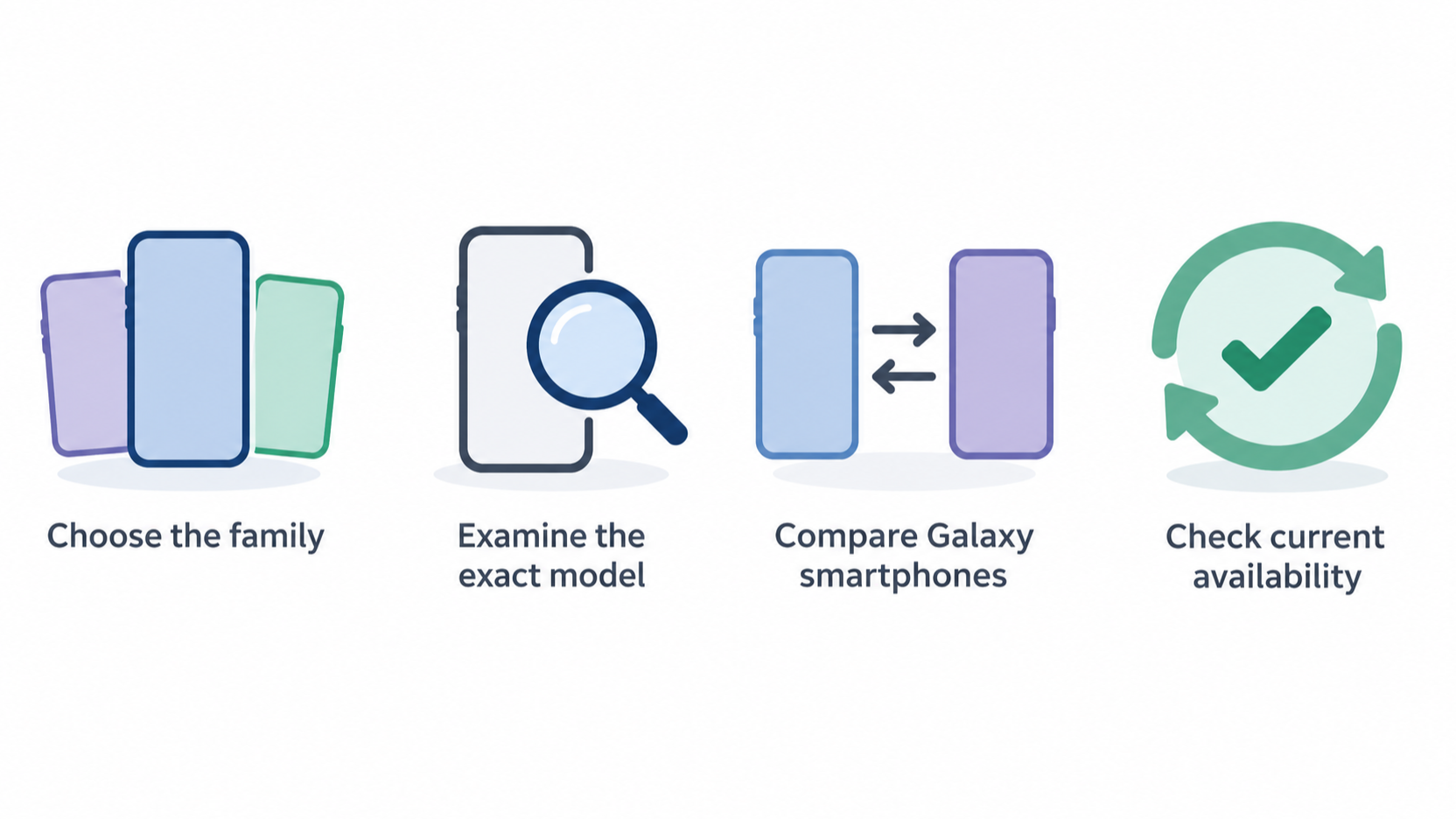
Samsung’s UK smartphone page presents Galaxy S, Galaxy Z and Galaxy A as distinct parts of the wider Galaxy phone range. For a buyer, these families are a practical first way to narrow a search before comparing individual handsets. Galaxy S, Galaxy Z and Galaxy A should not be treated as interchangeable labels: choose the family that matches the type of phone you want, then examine the exact model available in the UK.
The official page also shows that Samsung sells Galaxy smartphones through Samsung.com and includes a comparison area for Galaxy smartphones. It highlights current models and some Samsung.com-specific availability messages, but product listings and availability can change. A model appearing in a current range page is not, by itself, proof that it will meet a particular budget, repair need or ownership expectation.
This review therefore considers three connected questions: which Galaxy family is worth investigating, what official ownership and direct-purchase options may be relevant, and whether a specific phone has a documented repair path. It does not claim hands-on performance, durability or a universal best Galaxy model.
Where Samsung Galaxy Ownership Can Be Strong
AI-generated illustration — not a retailer product photo.
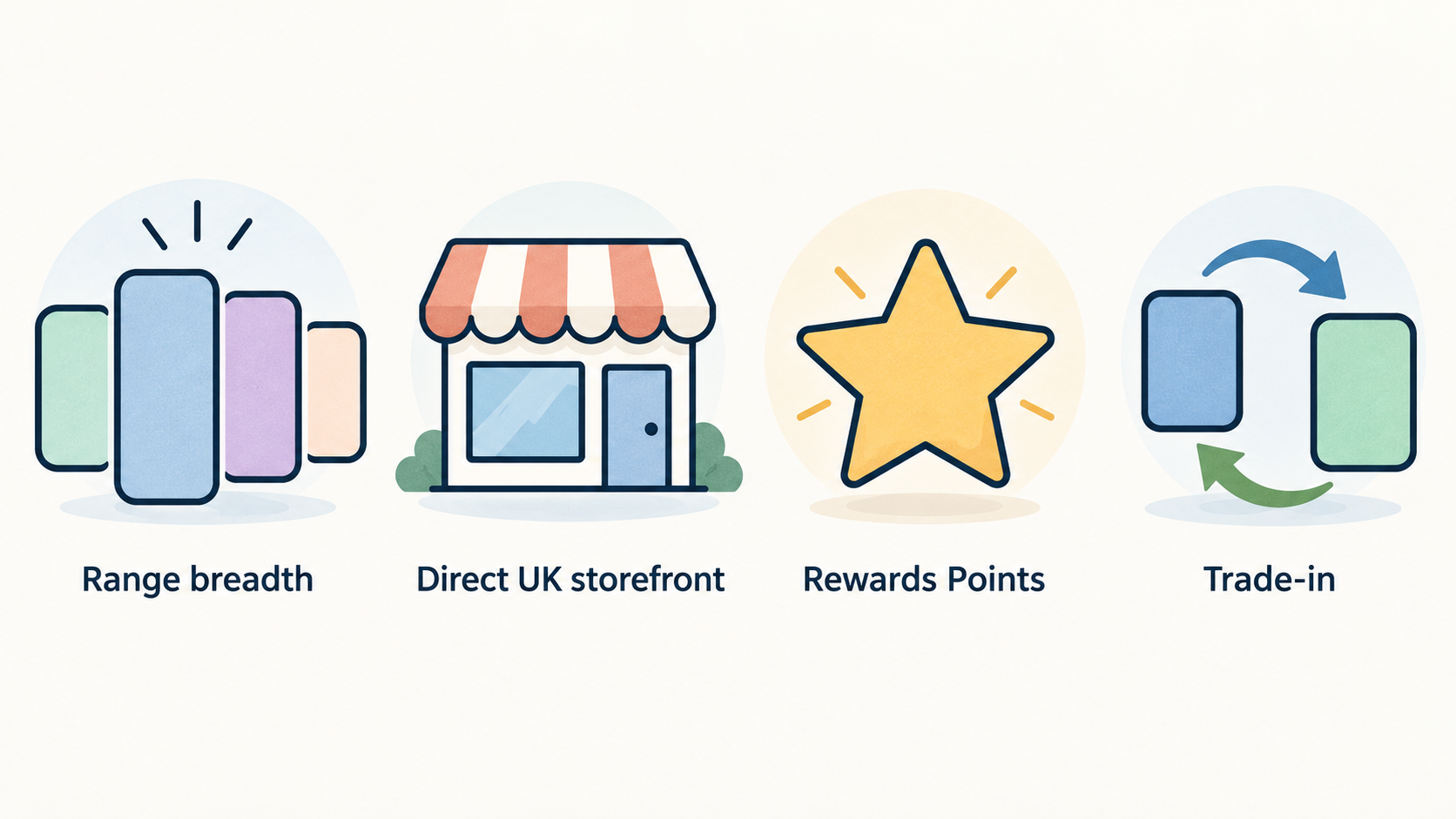
One potential strength is range breadth. Samsung’s UK smartphone page groups phones under Galaxy S, Galaxy Z and Galaxy A, giving shoppers more than one family to investigate rather than forcing every buyer into a single product line. That can be helpful if your priorities differ: for example, you may be deciding first on a conventional Galaxy family, a Galaxy Z option, or a Galaxy A option before looking at specifications and prices.
Samsung’s direct UK storefront is another ownership consideration. The official range page references Samsung Rewards Points for shopping on Samsung.com and presents trade-in as a feature to explore. It also marks some offers or availability as exclusive to Samsung.com. These may be useful purchase routes, but they are not automatic savings. Check the exact handset, eligibility rules, valuation, end date, trade-in condition requirements and whether a retailer alternative offers better overall terms.
The wider Galaxy ecosystem is visible on the same page alongside tablets, watches, buds, accessories and other devices. For a buyer who already uses compatible Galaxy products, that may be a relevant reason to investigate Samsung’s range. It should still be treated as a personal-fit question, not as evidence that Samsung will be the best choice for every household or every competing phone brand.
Repair and Support: What the Self-Repair Programme Covers
AI-generated illustration — not a retailer product photo.
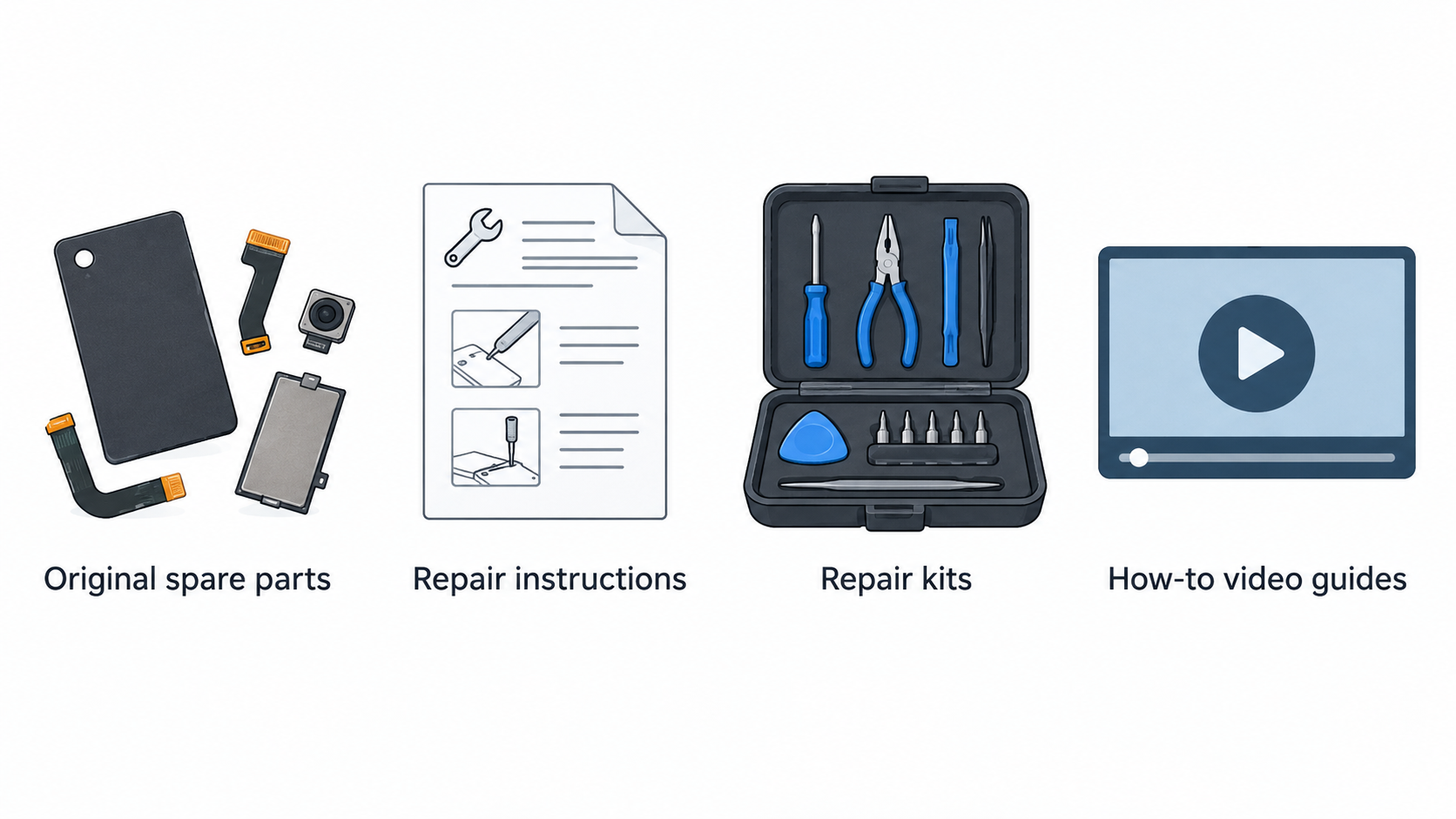
Samsung’s UK Self-Repair page says that buyers can repair some damage to Samsung products themselves through its Self-Repair programme, including certain damage outside warranty conditions. For eligible products, the programme offers original spare parts. Samsung also says that, for some products, customers can download repair instructions and order repair kits.
For Galaxy smartphones and some Galaxy mobile devices, the page points to genuine parts and provides support material such as how-to video guides. The examples shown include changing back glass, performing a diagnostics test, self-repairing a phone screen and charging port, and repairing a Galaxy Z Flip5. These examples show that self-repair information exists, not that every repair is available for every Galaxy handset.
The model check matters. Samsung directs users to enter a model code or search by product category to locate manuals and repair guides. Before relying on Self-Repair, confirm that the exact phone is eligible, that the needed part is available, that the applicable instructions exist and that you are comfortable carrying out the work. It is also sensible to compare the self-repair route with an authorised service option when deciding who should perform the repair.
Samsung gives an important warranty caveat: damage caused by an attempted repair by anyone other than a Samsung Authorised Service Centre will not be covered by the warranty. That does not mean that every self-repair automatically voids every warranty right; it means buyers should read the current warranty terms and understand the risk of damage caused during an attempted repair. If warranty protection is a major concern, seek model- and situation-specific clarification before starting work.
Practical Limits of the Official Information
Samsung’s range and Self-Repair pages are helpful for confirming that Galaxy S, Galaxy Z and Galaxy A families are presented in the UK range, and that a Self-Repair programme exists for some eligible products. They do not settle every ownership question a buyer may have.
In particular, these sources do not provide enough information here to make a reliable model-by-model claim about long-term software support, the cost of a particular repair, real-world durability, battery performance, camera quality or comparative value against a named rival. Nor should a general Self-Repair page be read as confirmation that all parts, kits or guides are available for a specific model at a specific time.
Pricing, promotions, stock, Samsung.com exclusives and trade-in terms are also time-sensitive. Verify them at the point of purchase. For repair planning, use the model code and current support materials rather than assuming that a repair shown in a video guide will apply to your phone. These boundaries make the comparison more useful: documented facts can guide the shortlist, while model-specific checks should decide the purchase.
How to Choose a Samsung Galaxy Phone
Start with the family decision. Use Samsung’s Galaxy S, Galaxy Z and Galaxy A groupings to identify the part of the range you want to investigate, then compare the actual models currently offered in the UK. Do not choose solely from a family name or a promotional card.
Next, make repairability an explicit checkpoint if it matters to you. Find the exact model code, look for its manuals or repair guides, and check whether the required genuine parts, instructions or repair kit are available through Samsung’s current support route. Ask yourself whether you would genuinely use a self-repair option or would prefer an authorised repair route. The programme may be valuable, but it is only relevant when the model and repair are covered.
Then review ownership terms alongside the handset price. Check Samsung.com availability, any stated direct-store offer, trade-in eligibility and the warranty conditions that apply to the phone you intend to buy. A trade-in or store-only message should be checked in its current form rather than assumed to apply to every buyer or purchase channel.
Finally, make a comparison list that includes the phone family, exact model, current price, purchase terms, repair eligibility, parts availability, repair instructions and warranty implications. This creates a clearer decision than relying on broad brand impressions. Compare Galaxy smartphones on Samsung UK after completing those checks.
Comparing Samsung With Other Smartphone Brands
Samsung can be compared fairly with other smartphone brands when the criteria are transparent. Begin with the form factor and range that suit you, then compare the specific alternatives you are actually considering. A buyer interested in Samsung’s Galaxy S, Galaxy Z or Galaxy A families should compare like-for-like options rather than declaring a brand winner from a general range page.
Repair is one useful criterion. For Samsung, check the exact model’s eligibility for the UK Self-Repair programme, the availability of genuine parts and guides, and the warranty caveat around damage caused by attempted non-authorised repair. Apply the same level of checking to any rival’s repair route; do not assume a brand-wide repair policy applies equally to every model.
Also compare current warranty conditions, purchase price, promotions, trade-in terms and the long-term software policy for the individual models. Those details require up-to-date, model-specific sources and may differ by retailer. The official Samsung information supplied here supports a cautious shortlist and repair check; it does not support a universal conclusion that Samsung is cheaper, more durable or better supported than every competitor.
Frequently Asked Questions
Can I repair a Samsung Galaxy phone myself in the UK?
Samsung’s UK Self-Repair programme says that some damage to some eligible Samsung products can be repaired by the customer. For some products, Samsung provides genuine parts, repair instructions and repair kits. Check your exact Galaxy model code and the current guides or parts listing before assuming that a particular repair is available.
Does Samsung Self-Repair use genuine parts?
Samsung says its UK Self-Repair programme lets customers buy original spare parts for Samsung products, and refers to genuine parts for some Galaxy mobile-device repairs. Availability is model- and repair-specific, so confirm the part needed for your handset before purchase.
Will a self-repair attempt affect my Samsung warranty?
Samsung states that damage caused by an attempted repair by someone other than a Samsung Authorised Service Centre will not be covered by the warranty. Read the current warranty terms and consider authorised service if avoiding that risk is important to you.
Which Samsung Galaxy range should I compare first?
Start with the Galaxy S, Galaxy Z and Galaxy A family that best fits the kind of phone you want to investigate. Then compare the exact UK models on current price, purchase terms, repair eligibility, parts availability and warranty conditions. The family label is a shortlist tool, not a final recommendation.
Sources
Related reading
- Best smartphone brands for UK buyers: Apple, Samsung, Motorola and Fairphone compared for long-term ownership
- Apple iPhone vs Samsung Galaxy for UK buyers: ecosystem, support, repair options and long-term value
- Apple iPhone ownership review: strengths, support, repair options, limitations and alternatives
- How software support and repair options shape a smartphone's useful life
Editorial information: About our editorial team · Read our editorial policy · Read our affiliate disclosure.